Screenshot any page - past or present.
No ads, banners, or chat widgets.
Screenshot current pages without ads, or travel back to capture any site’s history.
Trusted by people working at





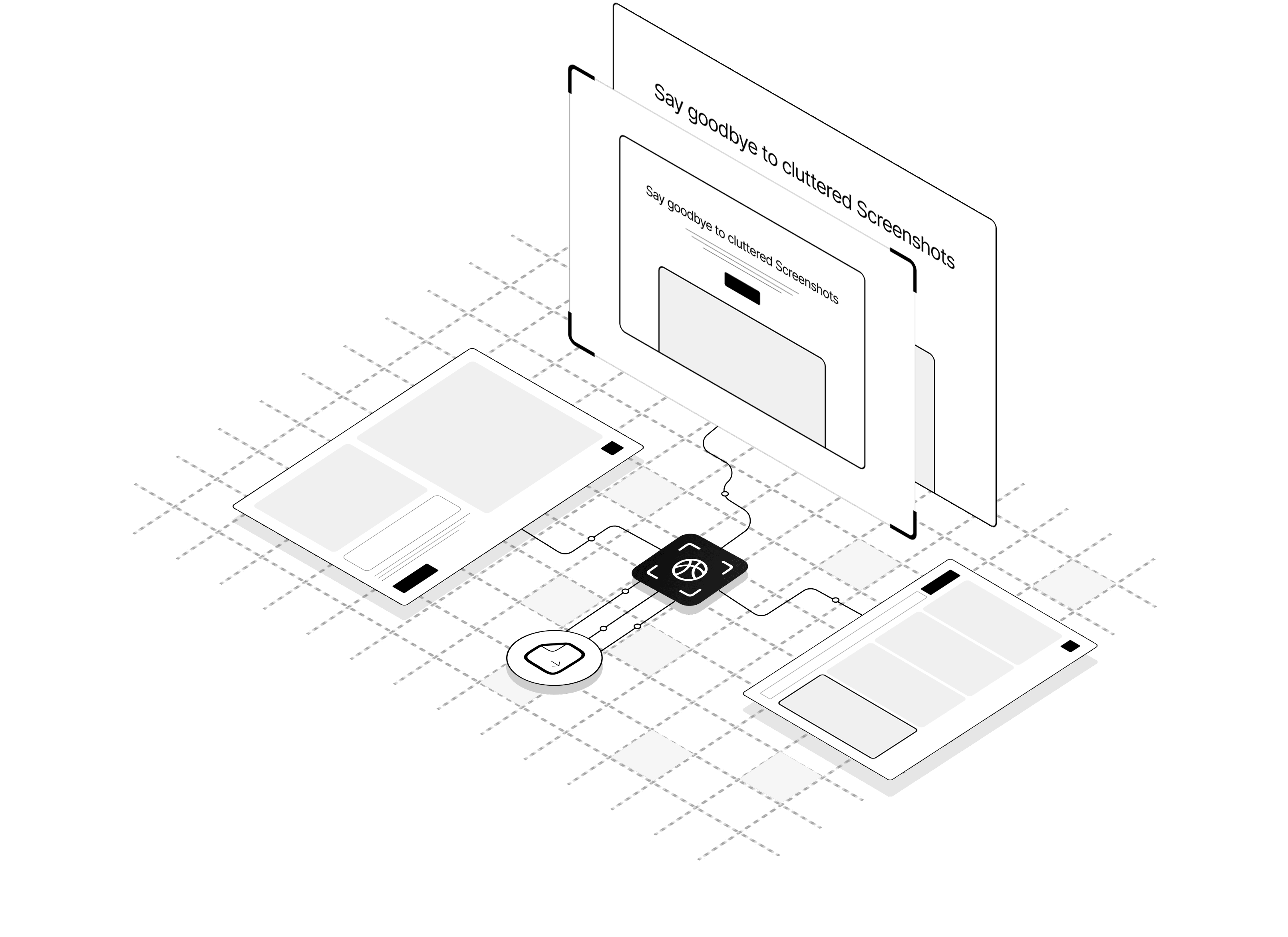
Smart features for flawless screenshots
Everything you need — from full-page capture to custom tweaks and clean outputs.
High-quality full-page screenshots
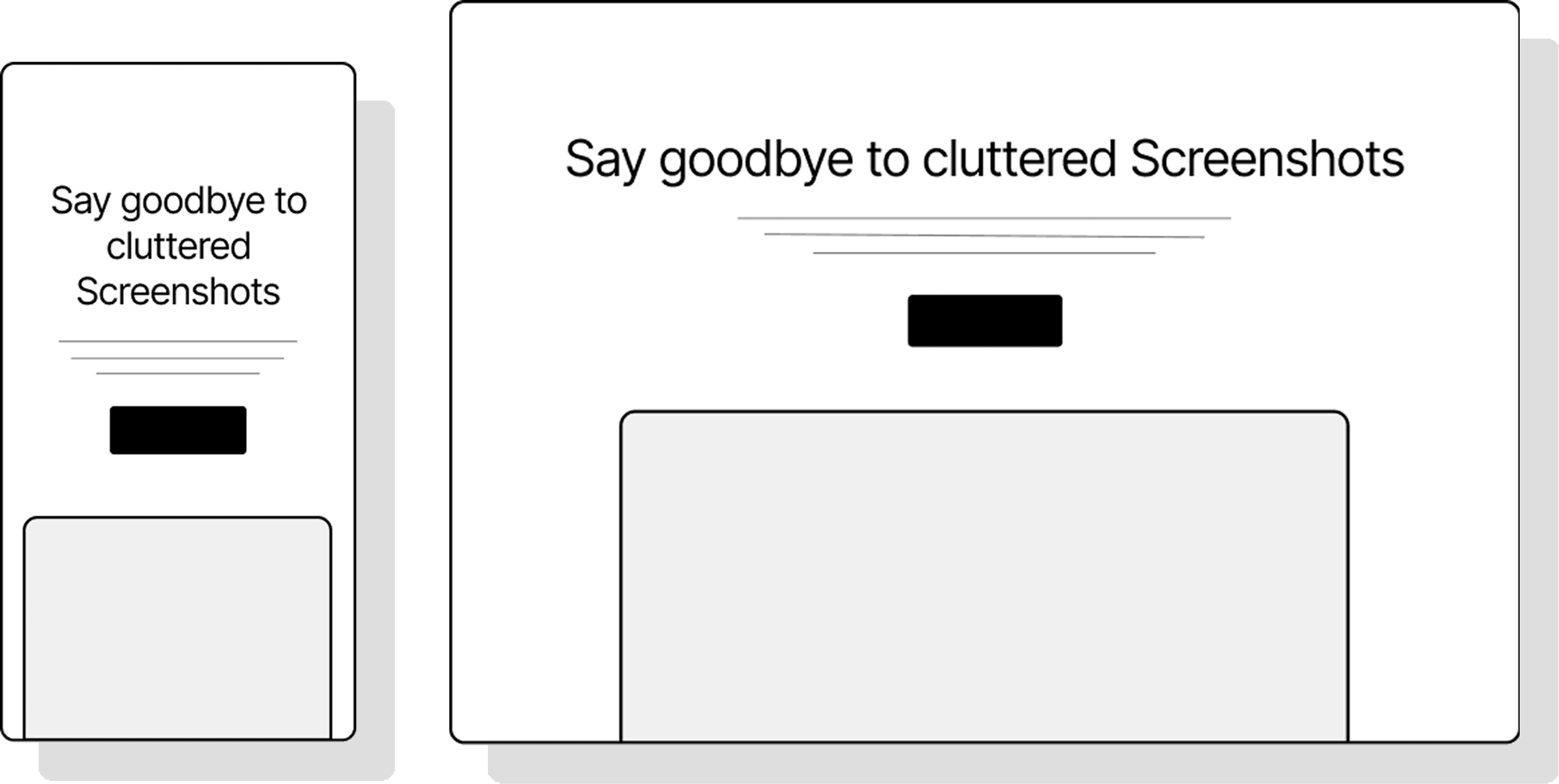
Responsive Screenshot

Ad & banner blocking

Custom JS & CSS injection

Widget removal

Click & hide elements
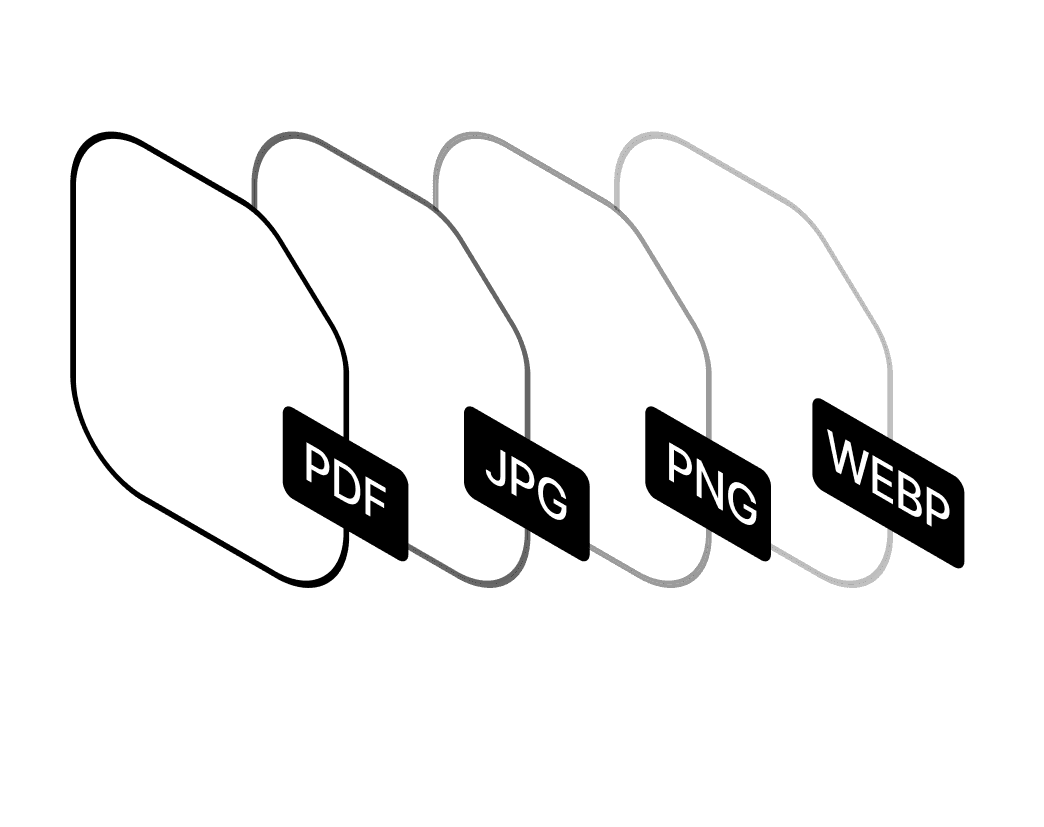
Multiple output formats
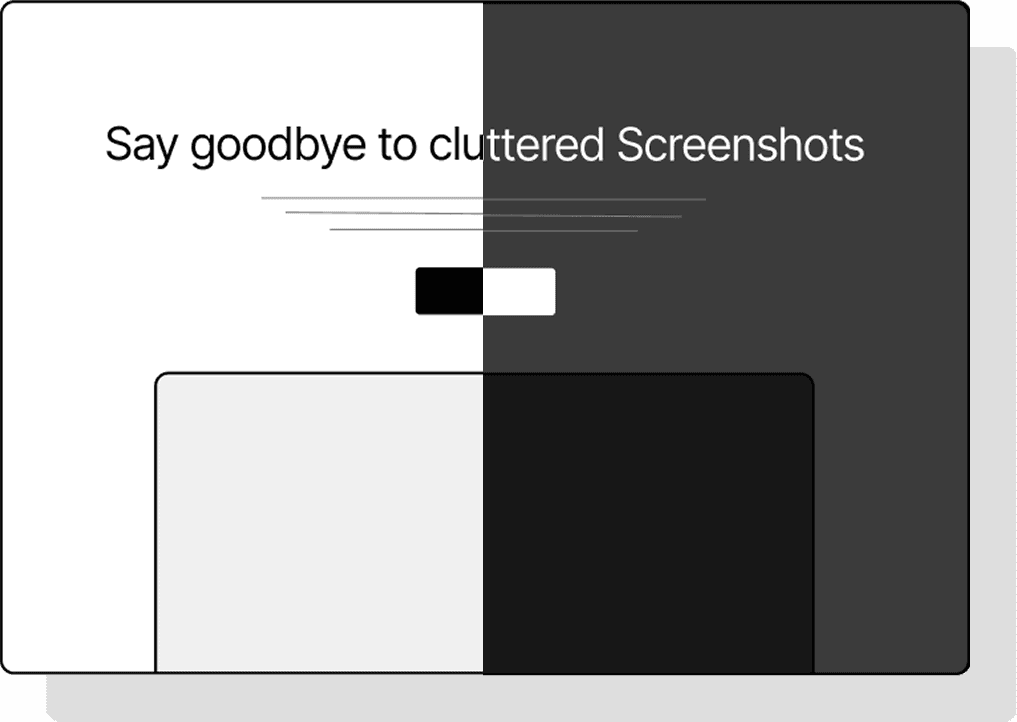
Dark mode rendering
How it works
Drop any website link into the input field.
Select viewport or full-page, pick a device, resolution and format (PNG, JPEG, WEBP, PDF).
Our engine processes the page with ad blockers, widget removal, and your custom preferences.
Instantly download the output or copy a shareable link.
Made for the people who need
Fast, clean results
Built to serve developers, designers, marketers, and legal teams
— with flexibility in mind.
Developers
Automate UI states, inject scripts, and capture clean documentation.
Designer
Save UI inspiration, audit visuals or showcase design work.
Marketer
Monitor competitor websites for product/pricing changes.
Legal Teams
Automatically capture screenshots when errors occur for debugging.
Real Use Cases. Real Results.
See how you can use clean screenshots to document faster, present better, and save hours of manual cleanup.
Visual Regression Testing
Automatically capture full-page screenshots of websites daily/weekly to detect visual changes
Uptime Monitoring
Document website availability with visual proof
Content Updates Tracking
Monitor competitor websites for product/pricing changes
Error Documentation
Automatically capture screenshots when errors occur for debugging
See Every Version of a Website.
From Day One to Today
Instantly view how any site has evolved over time, from its first
design to its latest look.

Frequently asked questions
Everything you need to know before taking your first screenshot.
Your clean, professional screenshot is one click away
Export full-page, ad-free captures with dark mode, custom tweaks, and device previews