Block ads, banners & widgets
Real pages are cluttered with cookie consent banners, ads, and chat widgets. Toggle these off to get a clean capture: blockAds, blockCookieBanners, blockChatWidgets, and blockPopups.
Example
curl -X POST https://screenshotforweb.com/api/v1/screenshot \
  -H "X-API-Key: sk_live_your_key" -H "Content-Type: application/json" \
  -d '{"url":"https://www.theguardian.com","blockCookieBanners":true,"blockAds":true}'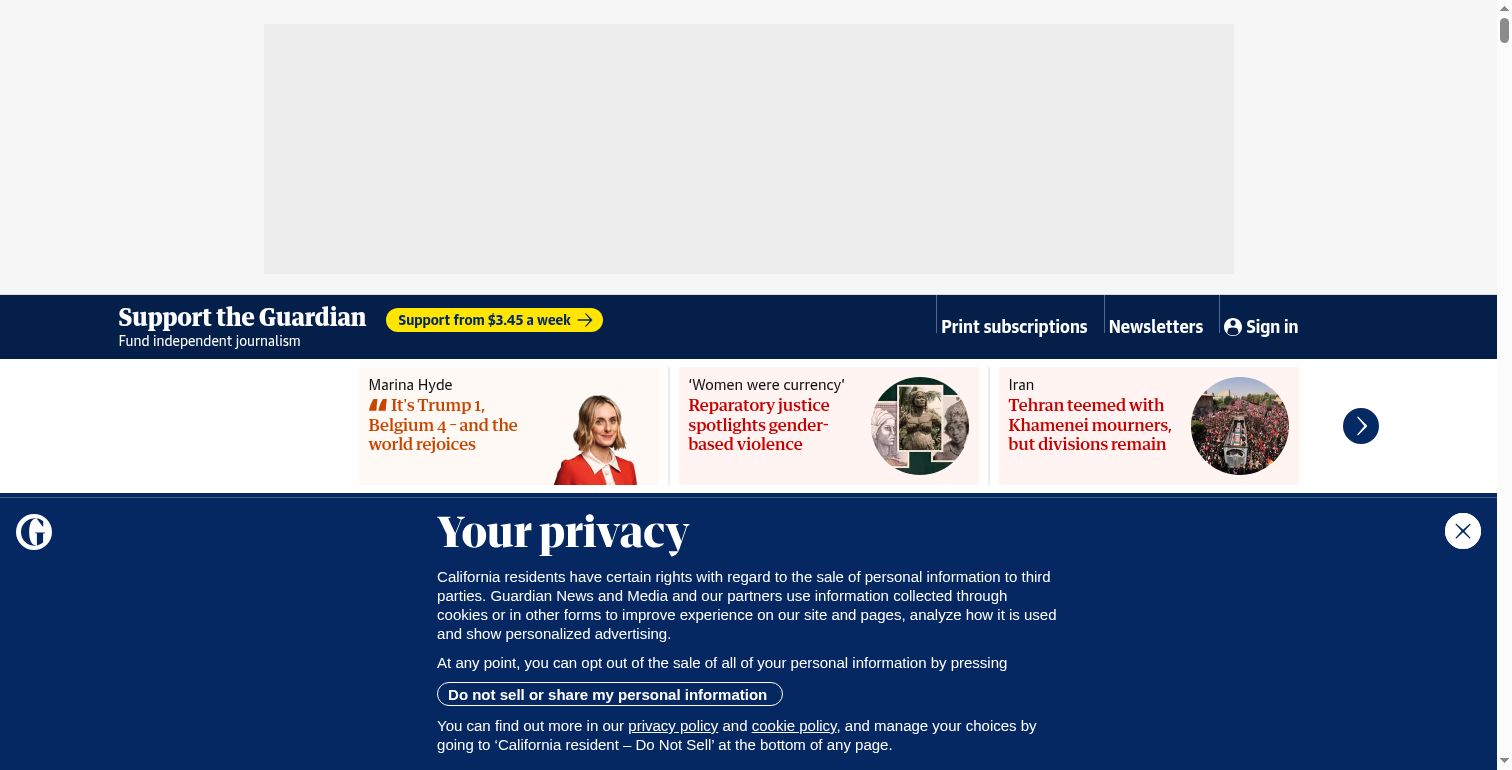
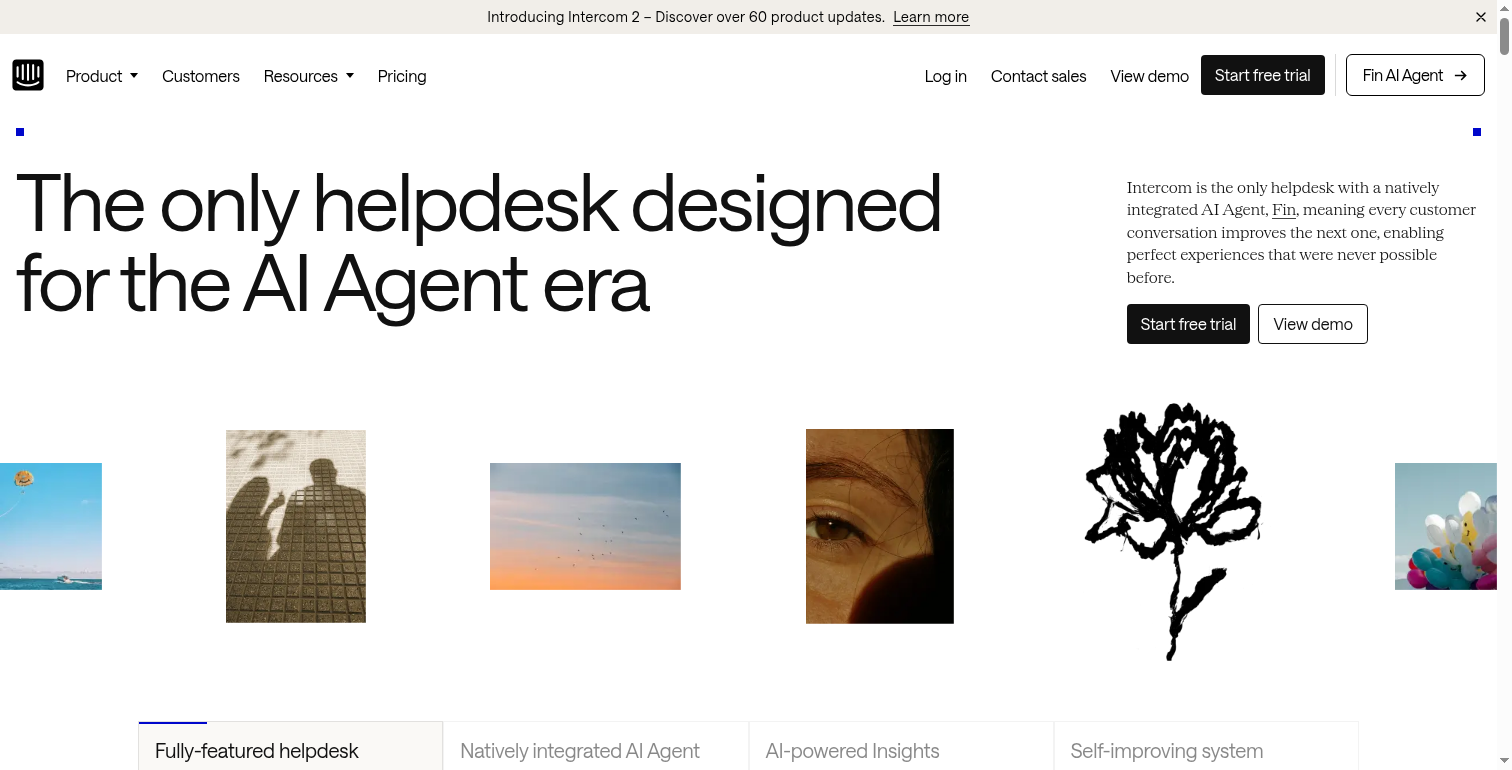
Removing anything else
For elements the presets don't cover, pass hideSelectors with your own CSS selectors — see Customize a page.