Customize a page before capture
Reshape any page right before it's captured — inject CSS, run JavaScript, hide elements, or drive interactions.
Inject CSS
curl -X POST https://screenshotforweb.com/api/v1/screenshot \
  -H "X-API-Key: sk_live_your_key" -H "Content-Type: application/json" \
  -d '{"url":"https://example.com","styles":"body { background: #ff0000 !important }"}'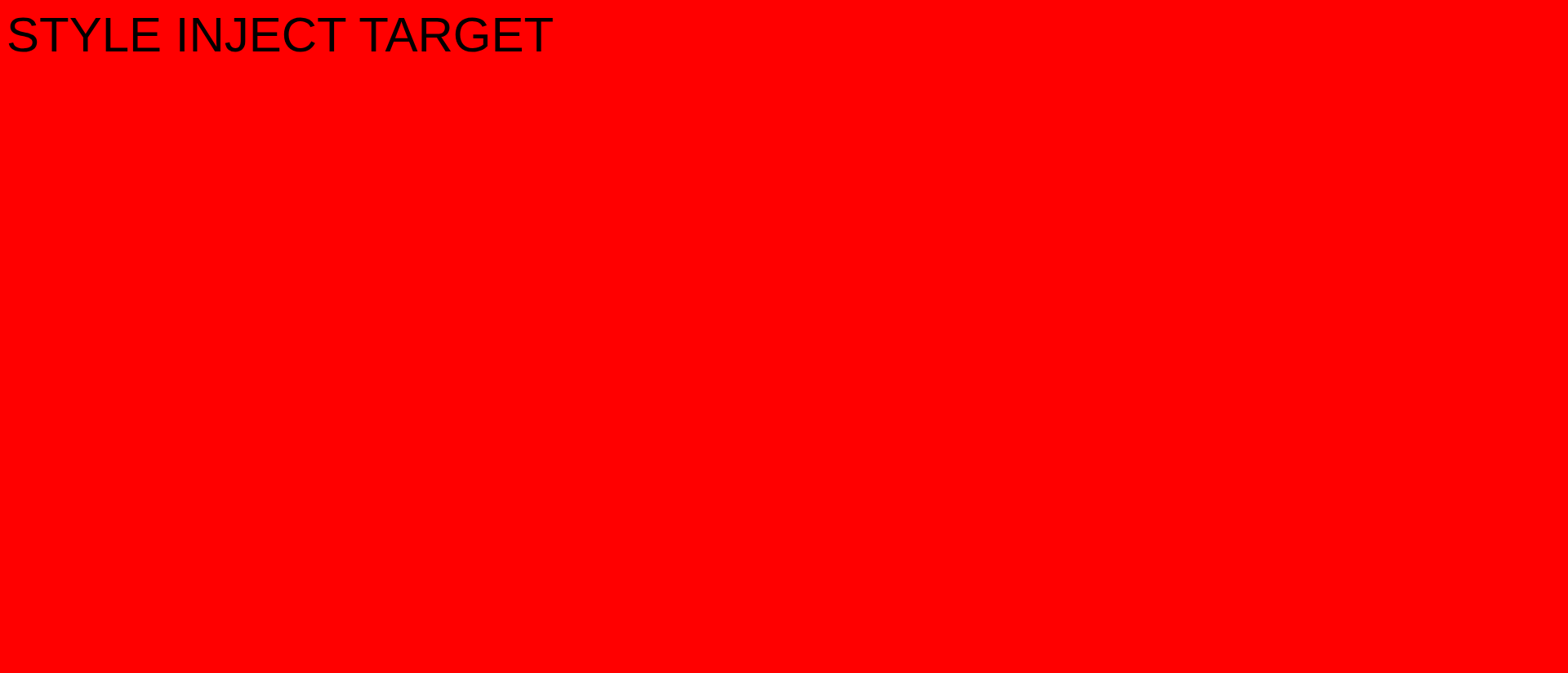
Hide elements
Remove specific elements with hideSelectors:
{ "url": "https://example.com", "hideSelectors": ["#promo", ".cookie-bar", "header"] }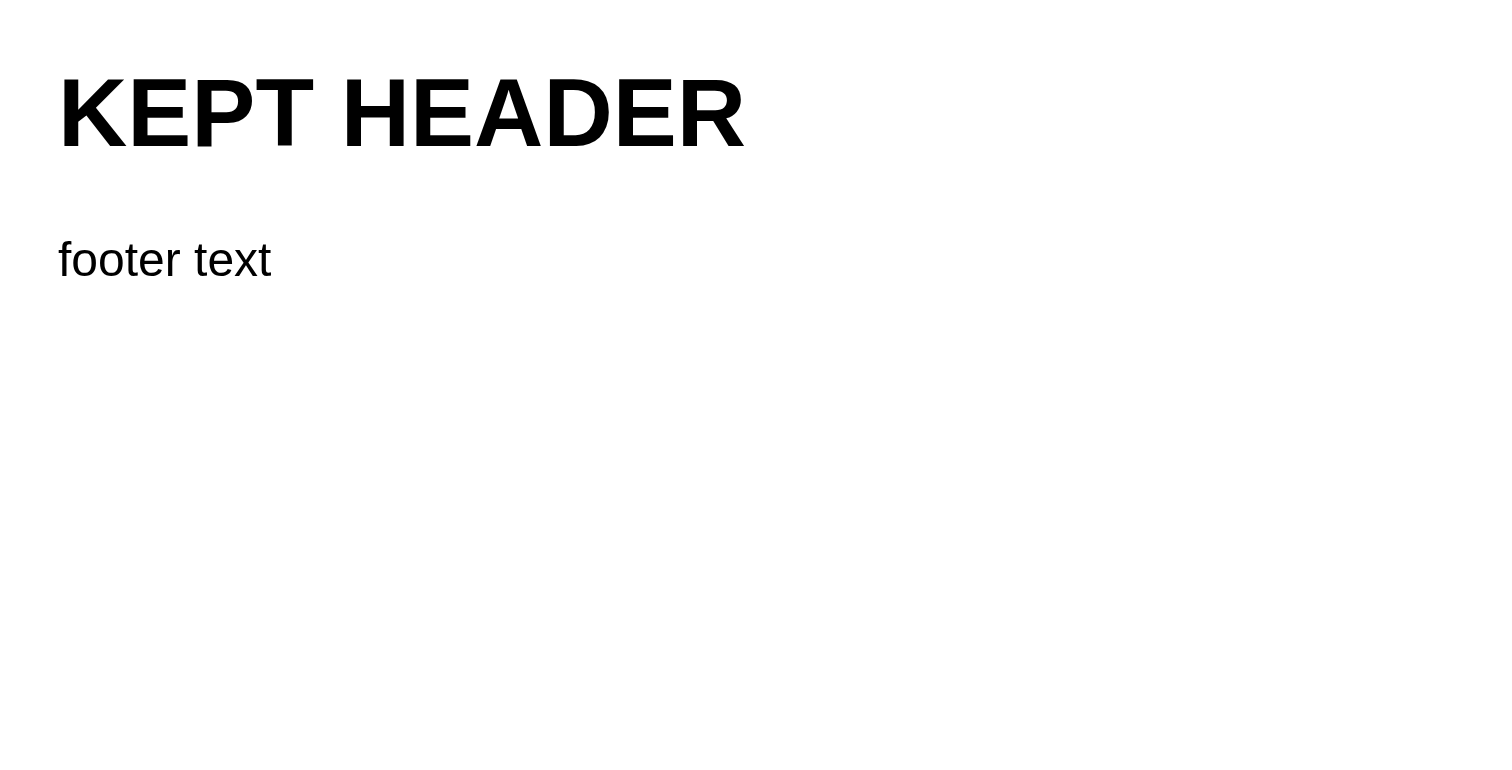
Run JavaScript
Execute scripts (up to 50KB) in the page, then optionally waitAfterScript milliseconds for the result to settle.
{ "url": "https://example.com", "scripts": "document.querySelector('h1').textContent = 'SCRIPT RAN OK'", "waitAfterScript": 500 }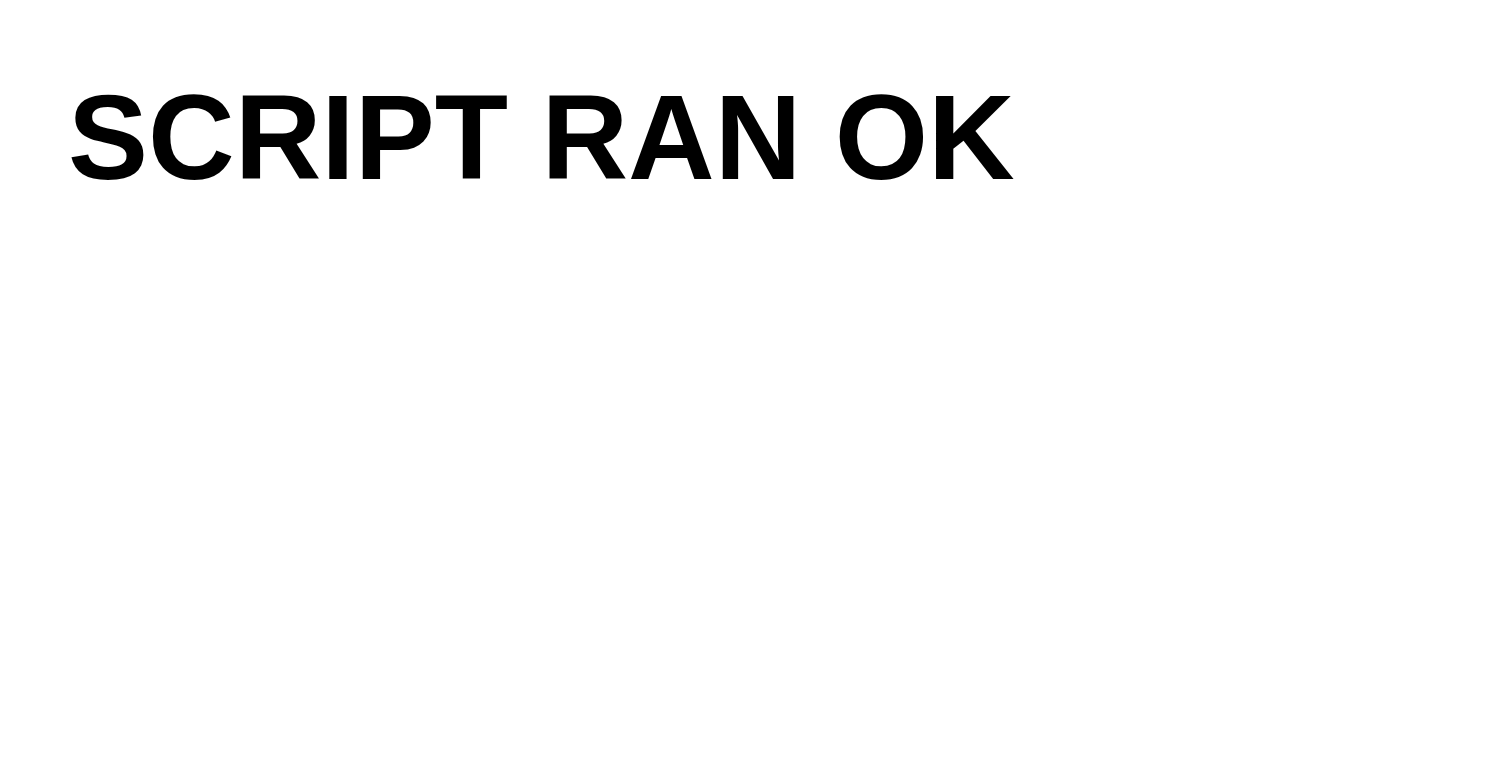
Interactions
Run up to 50 interactions in order before capturing:
{
  "url": "https://example.com",
  "interactions": [
    { "type": "click", "selector": "#load-more" },
    { "type": "type", "selector": "#search", "text": "hello" },
    { "type": "scroll", "direction": "down", "distance": 1000 },
    { "type": "hover", "selector": ".menu" },
    { "type": "wait", "duration": 500 }
  ]
}| Field | Used by | Description |
|---|---|---|
type | all | click, scroll, hover, type, wait. |
selector | click, hover, type | Target element. |
x / y | click, hover | Coordinates (instead of a selector). |
text | type | Text to type. |
direction / distance | scroll | up/down/left/right and pixels. |
button | click | left, right, or middle. |
duration | wait, hover | Milliseconds. |