Geolocation & locale
Render a page as if the browser were somewhere else. Set geolocation (a preset name or coordinates), a timezone, and autoLocale to auto-configure the language from the location.
By preset
curl -X POST https://screenshotforweb.com/api/v1/screenshot \
  -H "X-API-Key: sk_live_your_key" -H "Content-Type: application/json" \
  -d '{"url":"https://browserleaks.com/geo","geolocation":"Tokyo","timezone":"Asia/Tokyo","autoLocale":true}'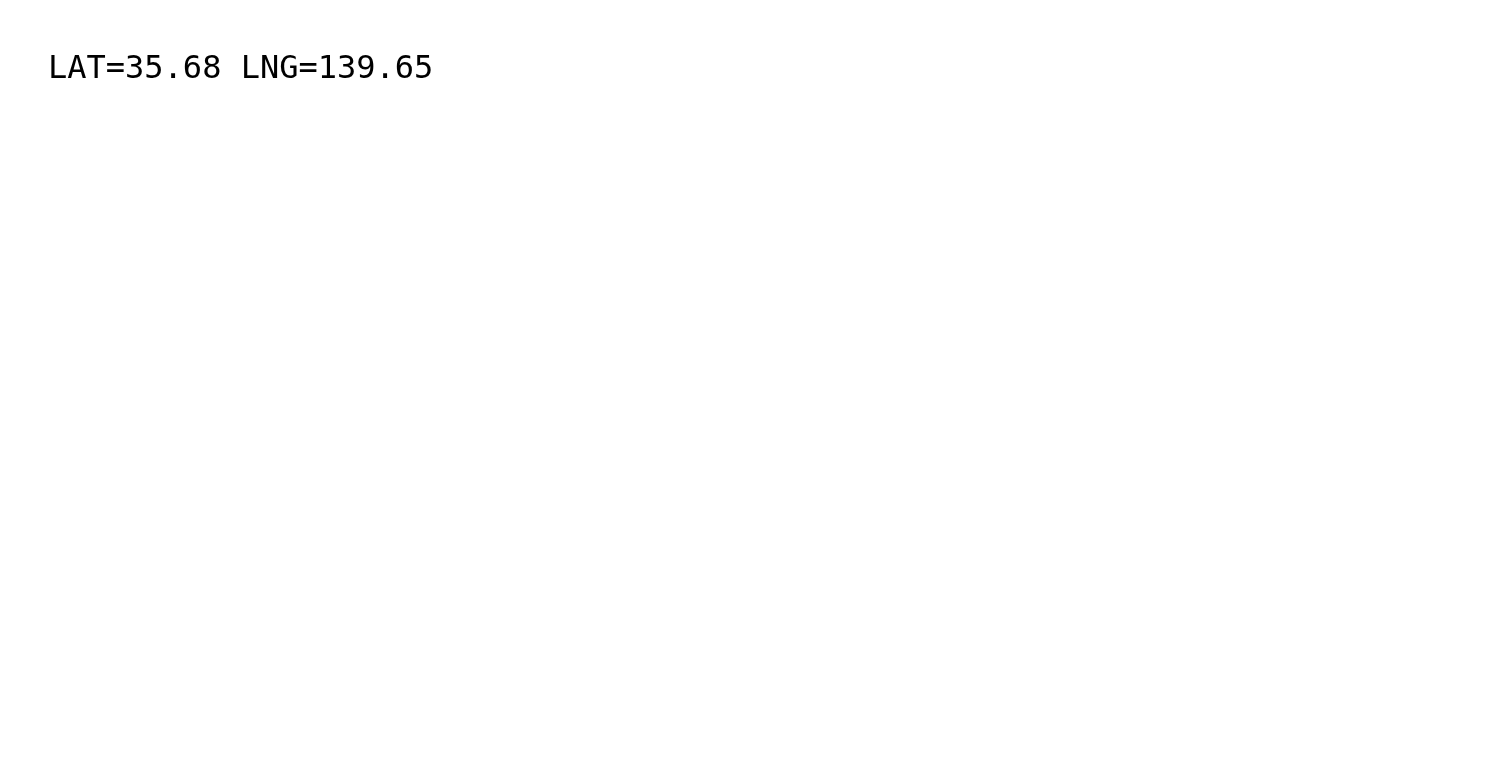

By exact coordinates
{ "url": "https://example.com", "geolocation": { "latitude": 48.8566, "longitude": 2.3522 }, "timezone": "Europe/Paris" }Location presets
New York, Los Angeles, Chicago, London, Paris, Berlin, Tokyo, Sydney, Mumbai, Singapore. Presets also set a matching timezone and locale.
Tips
timezoneaccepts any IANA name, e.g.America/New_York.- Geolocation is most reliable on real
httpspages that request it after load; add awaitinteraction if the page reads it late.