Dark mode screenshots
Set darkMode: true to render a page in dark mode — the API sets the prefers-color-scheme: dark preference and applies an intelligent dark stylesheet, even for sites that only ship a light theme. Add darkModeInvertImages to invert imagery too.
Example
curl -X POST https://screenshotforweb.com/api/v1/screenshot \
  -H "X-API-Key: sk_live_your_key" -H "Content-Type: application/json" \
  -d '{"url":"https://en.wikipedia.org/wiki/Screenshot","darkMode":true}'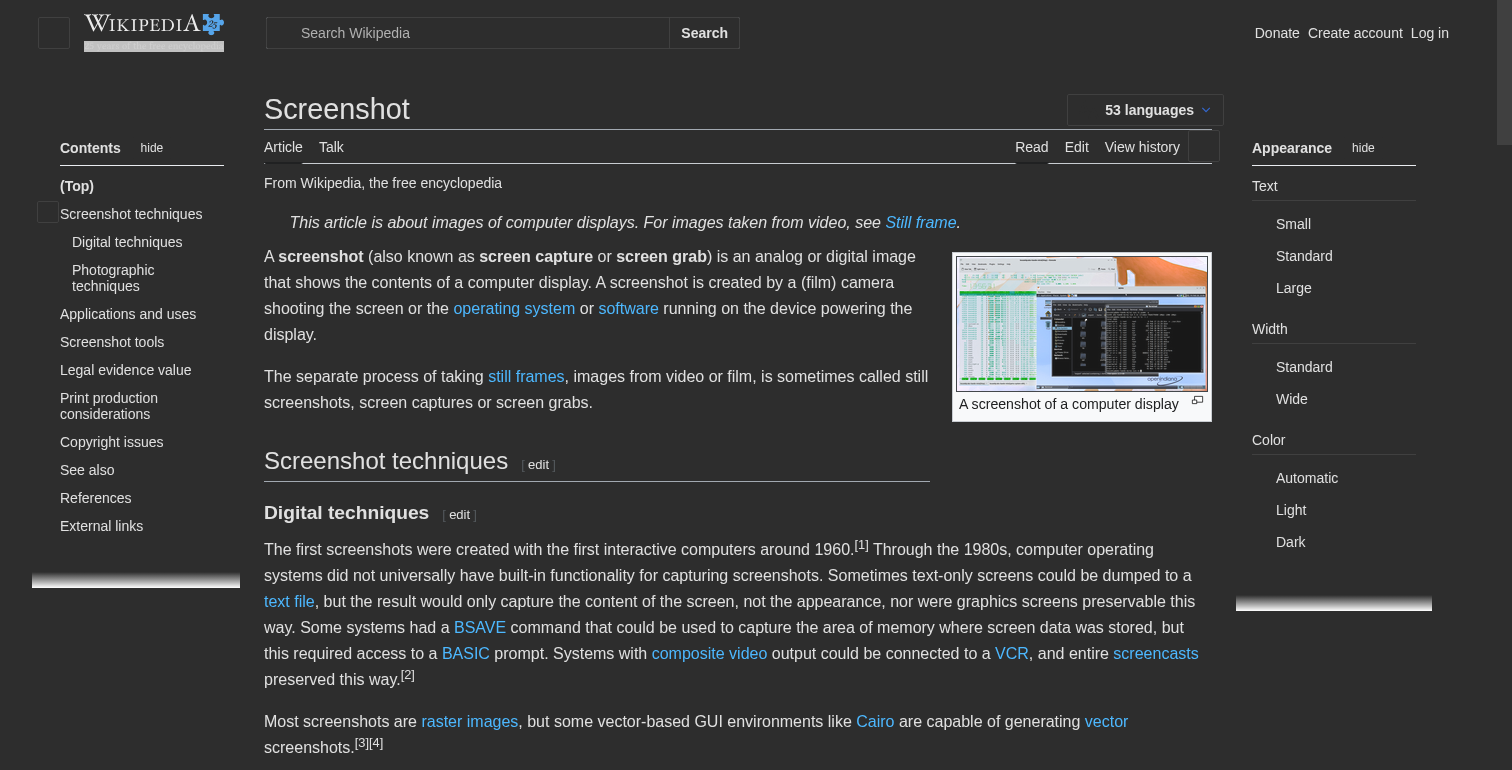
Custom dark styles
Override the built-in dark stylesheet with your own via darkModeCSS, and combine dark mode with device emulation or content blocking:
{ "url": "https://example.com", "device": "iPhone 14 Pro", "darkMode": true, "blockCookieBanners": true }